
Order foreign currency online: a guide for UK travellers
Product · 20 February 2026Clément Bolmont
Whether you're exploring the markets of Marrakech or catching a train across the Alps, having the right currency shouldn't be the hardest part of your trip. While visiting a physical bureau was once the standard way to prepare, you can now order foreign currency online with just a few clicks.
Digital platforms and multi-currency accounts like ours offer a flexible way to access money abroad, with clear and cost-effective features. With your Revolut account, you can hold and exchange 35+ currencies instantly, and pay with your card in more than 150 countries worldwide.
Need more information before ordering foreign currencies? Check our currency converter and travel money card options or read on to know more about ordering currencies with us.
18+, T&Cs apply.
Currency exchange in 35+ currencies with the Revolut exchange rate. Fair usage limits and weekend fees may apply, depending on your plan.
The information provided is accurate as of 13 February 2026.
The content of this page is for general information purposes only and doesn't constitute financial advice. If you've any questions about your personal circumstances, please seek professional and independent advice. We aren't a financial adviser.
How to order foreign currency online: a quick summary
If you need to get your travel money ready quickly, following a digital-first approach is often the most efficient method. Here's how it works:
- Check the exchange rate. Use our currency converter in-app to see the value of British pounds in the currency you want.
- Select your provider. Choose between digital providers or cash pick-up exchanges, and compare exchange rates between providers.
- Create your account. If you choose a Revolut account, sign up and verify your identity using a valid ID.
- Convert your money. Choose the amount you want to exchange and confirm the transaction in-app.
- Use your card. Use a Revolut card to pay at shops or withdraw cash from local ATMs when you arrive. No ATM withdrawal fees from Revolut within plan limits. Third parties may charge ATM fees.
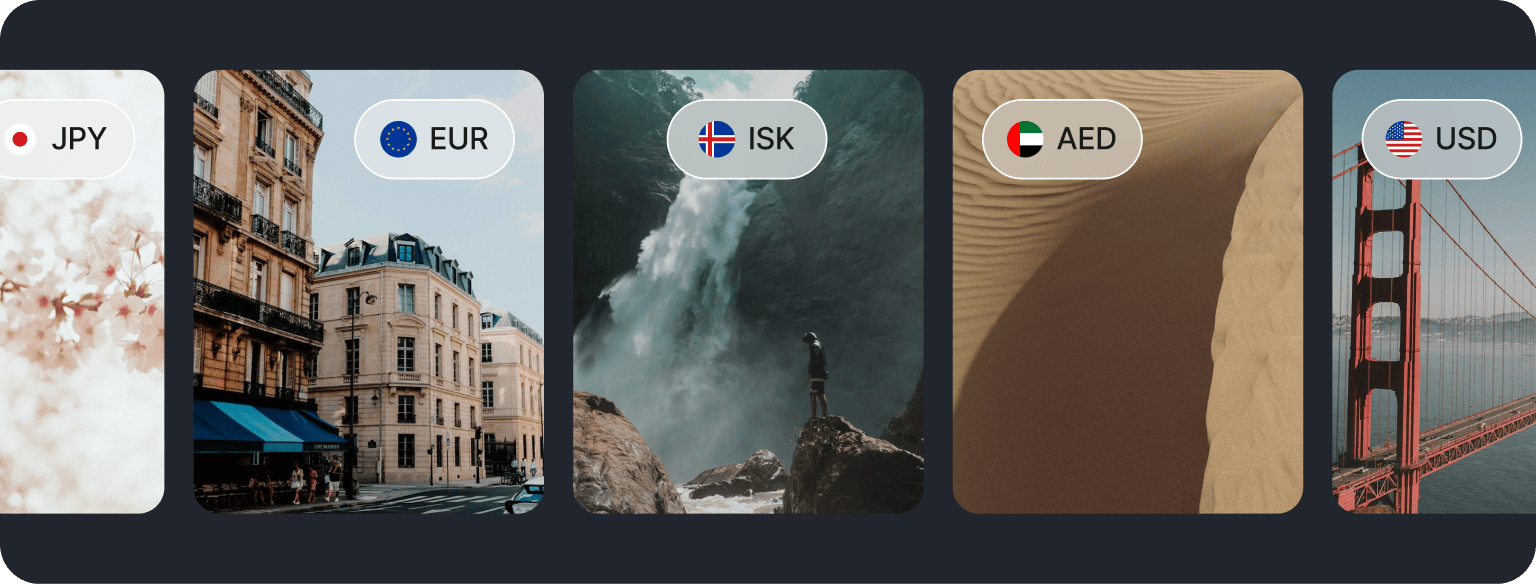
Can you order foreign currency online?
Yes, you can. You've got 2 main options for ordering foreign currency online in the UK.
The first is the traditional home delivery or click and collect model. In this case, you pay online and have physical banknotes posted to your home address or made available for pickup at a local Post Office or bank branch. The main disadvantage of this option is having to deal with cash, which can be inconvenient if you don't spend it all and have to convert it back into pounds once you're back from holiday.
The second method is using a digital multi-currency account like ours. Instead of ordering physical cash, you convert your pounds into the foreign currency in-app. You then use a physical or virtual card to spend that money once you reach your destination. This method means you don't have to carry large amounts of physical cash around, and you can instantly exchange more money later if you run out during your trip.
Is it better to get foreign currency before you leave?
It depends. If you use a modern and flexible account like ours, you can order foreign currencies at any time or wait until you've arrived to convert. You can set up alerts in-app to convert currencies when the rate's favourable and keep the foreign currency in-app until your trip.
But you don't have to. If you don't have the local currency in your account when you make a payment abroad, we'll automatically convert it for you using the competitive Revolut exchange rate.
Exchange rates are dynamic. Always remember to check the applicable rate in-app before carrying out your exchange.
Is it safe to order foreign currency online?
It's safe to order foreign currency online provided you use a reputable and regulated provider. In the UK, most major currency services are regulated by the Financial Conduct Authority (FCA).
When you use a digital-first provider like us, your security is a priority. We use advanced fraud protection systems and give you full control over your cards. For example, if you misplace your physical card while abroad, you can freeze it instantly in-app. For online shopping on unfamiliar websites, you can also use disposable virtual cards that regenerate their details after every transaction, providing an extra layer of protection.
Learn more about how we protect your money.

How much does it cost to order foreign currencies?
The total cost of ordering currency online involves more than just the exchange rate shown on the screen. It's important to understand the different fees that can apply so you can make an informed choice.
Exchange rate mark-ups
Most providers, including ourselves, don't offer customers the market rate. We add a mark-up to the rate to make a profit. We believe in clarity so we’ll always show you the exchange rate before you convert.
You can also use our rate comparison tool to find the best exchange rate.
Delivery and collection fees
If you order physical cash to be sent to your home, providers may charge a delivery fee. If you choose to collect the cash, there may still be a service charge, depending on the provider.
Weekend fees and limits
Depending on your plan, we may charge you a fee for currency exchange outside market hours (between 5pm Friday–6pm Sunday, UK time).
If you’re on our Standard plan, you also have fair usage limits, meaning you can exchange a certain amount of currencies per month without extra charges. Once those limits are reached, a fee may apply. You can always check your limits in-app.
Getting a travel card as an alternative to ordering currency
A travel card provides a flexible alternative to carrying physical cash. While having some cash can be useful for small tips, relying solely on physical banknotes is becoming less common.
Flexibility for multi-stop trips
Ordering physical cash requires you to be home for the delivery, or to visit a branch
With a digital account, you can exchange money while standing in the check-in queue at the airport. You also aren't limited to a single currency — you can hold multiple currencies at once, which is ideal for trips to several countries.
Enhanced security for your money
If you lose an envelope of cash, that money's gone. But if you lose your card, you can freeze it and continue spending using a virtual card on your phone via Apple Pay or Google Pay.
Avoiding common merchant traps
Using a dedicated travel card allows you to avoid dynamic currency conversion (DCC) traps found at foreign card terminals. When a terminal asks if you want to pay in pounds or the local currency, always choose the local currency. Since you've already exchanged your money online into the local currency, your card will simply deduct the correct amount without any additional conversion fees from the merchant.
Cards can be used for cash
Even if you prefer using your Revolut card abroad, you can still withdraw cash from ATMs worldwide, allowing you to manage payments in more rural areas, pay tips, or shop in smaller shops.
With your Revolut card, you can withdraw cash without charges from us up to your plan’s limits. Third-party ATMs may still charge their own fees, but you can use our app to find our 55,000 in-network ATMs to avoid third-party surcharges.
What to do with leftover foreign currency
You can simply keep your leftover currency in your digital account for your next trip, send a transfer in that currency, or convert it back to pounds instantly or whenever you're happy with the exchange rate.

Managing your foreign currencies with Revolut
We've designed our app to make the process of getting and spending foreign currency as smooth as possible. Here's how:
- Multi-currency accounts. You can hold over 35 different currencies in your account. This means you can buy euros, dollars, or yen when the rate's in your favour.
- Physical and virtual cards. Once you've exchanged your money, or even if you haven't, you can spend using your physical card. For added security when booking hotels or flights online, you can use virtual cards.
- Cash withdrawals abroad. You can use your card to withdraw money from millions of ATMs worldwide. We offer a monthly limit for withdrawals without fees from our side, depending on your plan. Third-party ATMs may charge their own fees.
How to start using your account for travel
You can get set up in a matter of minutes to start managing your currency the smart way. Here's how:
- Download the app. Register with us and verify your identity. It usually takes only a few minutes.
- Add money. Choose among different methods, including debit card, bank account, or even Google Pay or Apple Pay.
- Exchange and spend. Tap Accounts, then + Add new to set up a new currency account. Exchange money in-app before you travel, or simply let your card convert it automatically when you make a payment abroad.