How to get a debit card in Australia: a guide to requirements and applications
Financial basics · 21 January 2026Clément Bolmont
For many people in Australia, a debit card linked to their account is the primary way they manage their daily finances. Getting one and understanding exactly how it works doesn't need to be complicated.
Whether you want a straightforward way to manage your budget, a safe tool for online shopping, or a reliable option for travel, knowing how to get a debit card in Australia is the first step. In this article, we break down the differences between card types and explain the security features you should look for.
To dive deeper into how our cards simplify your spending, explore Revolut Cards and open your account.
T&Cs apply.
The information provided is accurate as of 14 January 2026.
The content of this page is for general information purposes only and does not constitute financial advice. If you have any questions about your personal circumstances, please seek professional and independent advice. Revolut is not a financial adviser.
How to get a debit card in Australia: a quick guide
With Revolut, getting a debit card in Australia is a straightforward process that you can usually complete in a few minutes. Here are the key steps:
- Choose your provider: download our app from the App Store or Google Play and sign up without fees.
- Verify your identity: provide a valid photo ID, such as an Australian driver's licence or passport, to complete digital verification.
- Add money: fund your new account so you're ready to spend.
- Order your card: select a physical card for delivery and set up a virtual card to start spending immediately. Physical card delivery fees may apply.
- Activate and spend: once your physical card arrives, make a chip and PIN payment or withdrawal to activate it for all features.
Need more information before starting?Learn more about Revolut cards in Australia.
What's a debit card?
At its core, a debit card is a payment tool connected to your main account. When you make a payment, the money is taken from your balance right away. This makes it a useful tool for staying within budget.
With us, the process is fast and relies on major payment networks Visa or Mastercard to communicate with your account provider in real-time. This communication makes sure the money is available, approves the transaction, and generally updates your balance within seconds. This system has largely replaced the need for carrying large amounts of physical cash.
Debit cards vs credit cards
To manage your finances responsibly, it's important to understand the differences between a debit card and a credit card.
Feature | Debit card | Credit card |
Source of money | Your own account balance | A line of credit borrowed from the provider |
Impact on balance | Decreases immediately | You incur debt to be repaid later |
Interest | No charges on purchases | Interest charged if not repaid in full |
Budgeting | Simplifies budgeting as you spend your own money | Requires careful management to avoid debt |
A debit card gives you a clear oversight of your finances. A credit card offers flexibility but comes with the responsibility of managing debt and interest payments.
We don't offer credit cards in Australia. If you’re looking for a flexible way to borrow money, you can apply for a personal loan with us.
Application approval and interest rates are subject to assessment. T&Cs, fees, charges, and eligibility criteria apply. Consider PDS & TMD at https://ravolut.com/en-AU/
Key features of your debit card
A debit card — whether physical or virtual — has several important pieces of information that protect it. Knowing about these details helps you protect your information when shopping online.
- The 16-digit card number: this unique number identifies your card and is used for online transactions.
- The expiry date: this shows the month and year until which the card is valid.
- The cardholder name: your name, as it appears on the account.
- Card Verification Value (CVV): also called the Card Security Code (CSC), this is the 3-digit number on the back of your physical card (also visible in-app for virtual cards). It's a security measure used for online shopping to confirm you have access to the secure card details.
How to apply for a debit card
Our application process to get a Visa or Mastercard debit card is entirely digital and designed for speed. There's no need to visit a physical location or wait for paper forms.
Requirements to open an account
The first step to getting your card is opening an account. While providers verify different details, the core requirements to get a debit card linked to a new account are standardised across Australia. These requirements include:
- Proof of identity: you need a current and valid government-issued photo ID. In Australia, this is usually an Australian driver's licence or a passport.
- Proof of address: a recent document showing your current residential address in Australia may be required. This can include utility bills or bank statements.
- Australian residency: you must confirm that you're legally resident in Australia to open an account with us.
- A valid mobile number: this is used for verification during sign-up and for safe in-app communication.
The entire sign-up process with us happens in-app. We use digital verification tools to quickly and securely process your documents, which usually takes just a few minutes.

How long does it take to get a debit card?
Creation of a debit card with us takes only a few minutes. One of the benefits of using a digital provider like us is speed.
Step | Time frame | Details |
Account creation | Minutes | Once ID verification is successful, your account is usually opened immediately |
Virtual card access | Seconds | Your virtual card is created as soon as your account is ready |
Physical card delivery | 3–9 business days | Standard delivery times vary, but you can check the app for an estimate |
You can start using your account for online payments or via your phone's digital wallet almost immediately, without waiting for your physical card to arrive.
How old do you have to be to get a debit card?
While you need to be 18 or over to get a debit card with some providers, at Revolut we understand that younger people may want to learn financial responsibility earlier on.
With us, customers under 18 can have their own account and prepaid cards. Kids between 6–15 can have a kids prepaid debit card and an account supervised by parents or guardians, and teens from 16–17 can have their own account without parents' permission.
T&Cs apply. Minimum age applies.
Kids & Teens accounts are available for ages 6–15, and parents or guardians must be 18+ and have a Revolut account.
Some products and features are only available for kids above a certain age. See availability in-app.
Physical, virtual, and disposable cards
Debit cards no longer only exist physically. We offer different card types that fit different spending habits and security needs. This gives you control over your money in any situation.
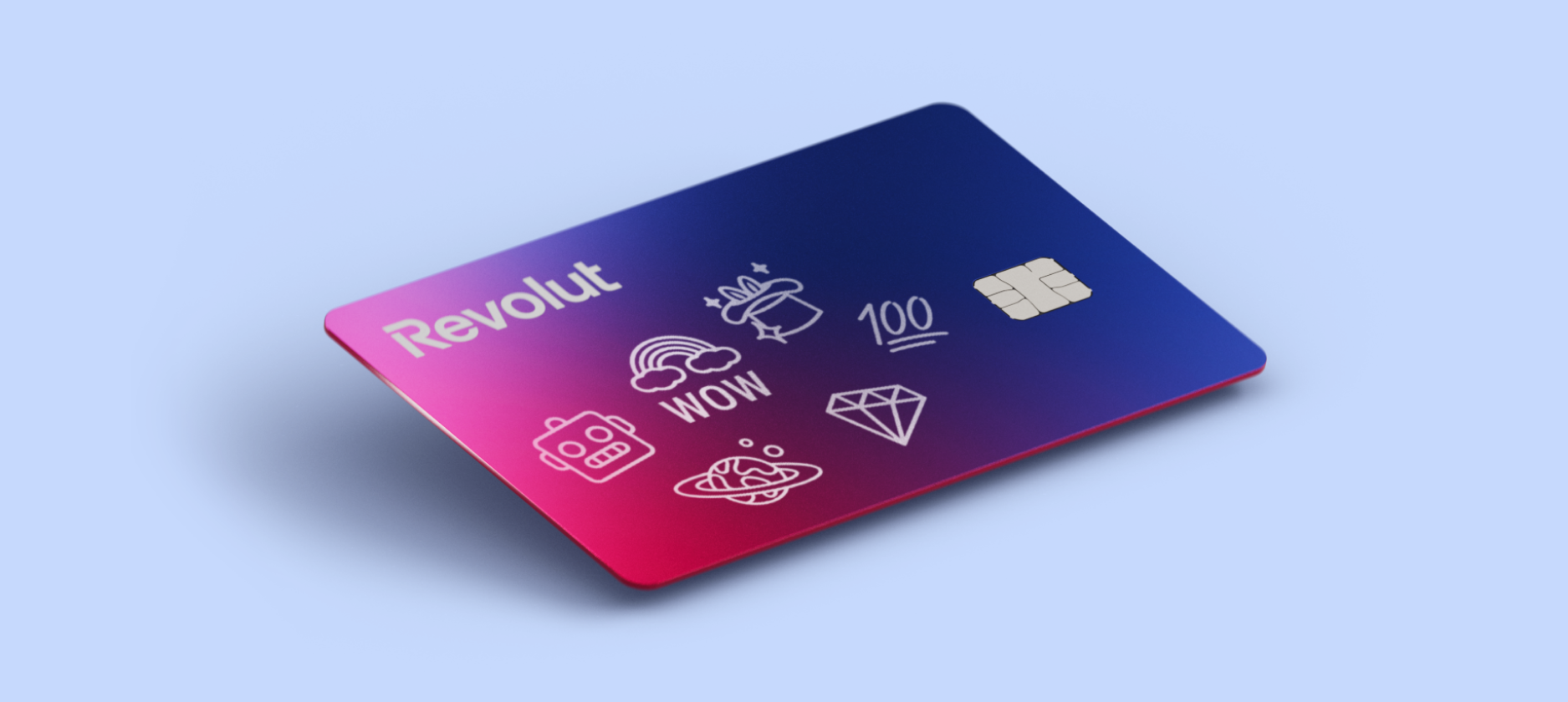
- Physical cards: used for ATM withdrawals, in-store shopping via chip and PIN, and contactless payments. When you order in-app, you can select from various designs and colours. Personalization fees may apply.
- Virtual cards: these exist only in the digital space. They're a great protection tool because you don't have to share your physical card information online. You can link them to your phone's digital wallet (Apple Pay or Google Pay) for contactless payments in person.
- Disposable cards: for a higher level of security when shopping online, a disposable virtual card is a good choice. The card details are generated for one use only and refresh automatically after the transaction is completed.

How to use your debit card
Having a debit card is about more than just spending. It's about accessing and managing your money efficiently, securely, and globally.
Security measures for in-store and online spending
Your debit card is protected by several layers of security:
- In-store: contactless payments in Australia are capped at $200 per transaction before you're asked for your PIN. This limit may not apply when using Apple Pay or Google Pay.
- Online: always check that websites use secure protocols (look for the padlock symbol). Using disposable cards adds an extra layer of protection.
- Real-time control: we send push notifications for every transaction, so you're alerted to any activity. If you notice anything suspicious, you can quickly freeze and unfreeze your card in-app.
Using your card for international travel
When you're travelling, your debit card is an essential financial tool as it works as a travel money card. You can use your Revolut card almost anywhere in the world where major card networks are accepted.
Using it for payments or ATM withdrawals abroad means you get access to competitive exchange rates. You can also hold and exchange multiple currencies in-app, allowing you to lock in a rate before you leave home.
Fair usage limits and exchange fees may apply. T&Cs apply.
Managing your card in-app
Having control over your card is important. Our app gives you easy, self-service management tools. If you realise your physical card is missing, secure your money immediately. You can report a lost phone or card via our app. To freeze your card:
- Open the app
- Tap the Cards symbol on the home screen
- Select your card and tap Freeze
If you find the card, you can unfreeze it immediately. If it's permanently lost, you can order a replacement right away in-app.
How to activate your debit card
When your new card arrives, you must activate it to link it securely to your account. Activating a debit card in-app is simple and usually only needs one chip and PIN transaction.
- Open the Revolut app and go to the Cards section.
- Select your new card and follow the activation prompts.
- Make a chip and PIN payment: go to any physical terminal or ATM and make a successful payment or withdrawal using your physical card and PIN. This validates the card for all functions, including contactless and online payments.
How to join Revolut and get your debit card
Follow these steps to start your journey with us:
- Download the app and create your account in a few minutes
- Order your card: once your account is open, go to the Cards section to order your physical card and set up your virtual one
- Add money: use a bank transfer, debit card, or other payment method to add money to your new account
- Start spending: use your virtual card immediately and activate your physical card once it arrives.