Bizum
Send money in seconds with Bizum
Send and receive money instantly¹ using just a mobile number. Now with Bizum in your Revolut app, send secure payments fast — no account numbers or delays.
Revolut with Bizum — Pay, send, and receive money instantly
With just a mobile number and Bizum, you can send and receive money in seconds. It's built into the Revolut app and works with any Spanish bank — with every payment protected.
Fast and easy
Send or request money in a few taps. No account numbers. No IBANs. Just select a contact, enter the amount, and hit send. Whether you're splitting meals or sending your share of a weekend trip, it only takes a few seconds.
Free to use
Send and receive money with Bizum at no extra cost with your Revolut account.¹
Safe and secure
All Bizum transactions in Revolut are secured with biometric confirmation and real-time notifications.
How to start using Bizum in Revolut — step by step
Setting up Bizum in your Revolut app is quick and easy. Just follow these steps:
- Go to Home in the bottom menu
- Tap the Bizum widget next to Add money
- Confirm your mobile number and accept the T&Cs
- Start using Bizum right away
Already registered with Bizum through another bank? No problem, you can easily switch it to Revolut in a few taps.
Start using Bizum
What is Bizum?
Bizum is a mobile payment service that lets you send, receive, and request money instantly only using a mobile number — no IBANs or bank details needed. It’s available to anyone with a Spanish bank account and works across most major banks in Spain.
Whether you’re splitting dinner, paying for your friend’s coffee, or getting paid back for concert tickets, Bizum makes it instant, easy, and free. And now that it’s built into your Revolut app, everything’s in one place — your spending, savings, and instant payments.
Get Bizum with Revolut
How to send a Bizum from the Revolut app
- 1
Join Revolut
Download our app for iOS or Android, then sign up. Top up your account via bank transfer, card, and more — whatever works best for you.
- 2
Activate Bizum
From your Revolut Home screen, open Bizum, confirm your mobile number, and accept the T&Cs.
- 3
Send money
On your Home screen, tap Bizum under your balance. Then, choose Send, pick a contact or add their mobile number. Set the amount and tap Send — it’s that easy.


Shop online with Bizum
Pay with Bizum in thousands of online stores across Spain — no card or account details needed. Just choose Bizum at checkout, enter your phone number, and approve the payment in your Revolut app.
Explore shoppingBizum limits: how much you can send or receive
We know you’re quick to pay your friends back — but even instant payments with Bizum have their limits.
- Minimum per transaction: €0.50
- Maximum per transaction: €1,000
- Daily send limit: €2,000
- Monthly send limit: €5,000
- Monthly receive limit: 60 transfers
These limits help keep your payments safe and controlled — and you can track it all right from your Revolut app.


You’ll need our current account first
Open your Revolut account, activate Bizum, and send money instantly from one place.
Join Revolut to unlock Bizum, smart money tools, and seamless everyday banking — all in one app.
Join RevolutSend money your way
With a Revolut account you can go beyond sending Bizums in Spain. Access more secure payment options like international, fast card, and instant transfers to Revolut friends.
International bank transfers
Transfer money with low fees and great rates. SEPA EUR transfers are often instant, and most other payments arrive within the same day. All costs and delivery times are shown upfront in-app.
Fast card transfers
Card transfers arrive in less than 30 minutes. In most cases, they arrive in a few seconds.
Instant transfers to Revolut friends
Revolut-to-Revolut transfers arrive in less than 20 seconds. Send and receive money in just a tap.
Your money, protected
Trusted with €36 billion in customer funds — our cutting-edge security features, and award-winning customer support, helped prevent more than €746m worth of fraud in 2024 alone.
Learn more


Bizum FAQs
Bizum is a mobile payment service that lets you send and receive money instantly using a mobile number. In Revolut, it’s fully integrated into the app — so there’s no need for account numbers or extra downloads. Activate it in a few taps and start sending.
Get Revolut.It’s easy — open your Revolut app, tap the Bizum widget on your Home screen, confirm your mobile number, and accept the T&Cs. If you’re already registered with Bizum through another bank, we’ll guide you through switching it over in a few taps.
Download the app.You can send money with Bizum in 2 simple ways:
1. From your Home screen → Bizum → Send → pick a contact, or add a mobile number → enter the amount → hit Send
2. From your Home screen → Payments → tap + → Bizum → add a mobile number and amount → hit Send
Transfers are usually instant if the recipient is already registered with Bizum. If not, they’ll receive an SMS with instructions to register and have 2 days to complete the process before the transfer is cancelled automatically.
You can request money in a few taps:
Tap Bizum on your Home screen → Request → choose a contact → enter the amount and hit Continue, then Request to confirm.
To keep your Bizum transfers secure and manageable, there are a few limits you should keep in mind:
- Minimum per transfer: €0.50
- Maximum per transfer: €1,000
- Maximum you can send per day: €2,000
- Maximum you can send per month: €5,000
These limits only apply to transfers made in euros (EUR), as Bizum does not currently support payments from non-EUR accounts.
No. There's no need to download a separate Bizum app to use it with Revolut. Bizum is already integrated into the Revolut app, so once you activate it, you can send and receive money directly from your phone — without switching apps or creating a new account.
If both users are registered, the money arrives in seconds. If not, the recipient has 2 days to register — otherwise, the payment is automatically cancelled.
Yes, you can. Bizum only allows one active registration per mobile number, so if you’re already using it with another bank, you’ll need to transfer your registration to Revolut.
When you start the Bizum activation process in the Revolut app, we’ll detect if your number is linked to another bank and automatically prompt you to switch. You won’t need to contact your old bank or unregister manually — the process is handled in-app.
Once confirmed, your Bizum account will be linked to your Revolut IBAN, and you’ll be ready to send and receive money directly from the app.
No. Bizum only allows one active link per mobile number. But switching is simple — activate Bizum in the Revolut app, and we’ll guide you through moving it over. No need to contact your previous bank or do anything manually.
If the payment has gone through, it can’t be reversed. However, you can decline payment requests before accepting them.
No. There are no fees for sending and receiving money with Bizum and Revolut.
When shopping on a website that supports Bizum, just select Bizum as your payment method at checkout. Enter your mobile number linked to Revolut and approve the transaction in your app. You'll get a push notification to confirm the payment — it's quick, secure, and doesn’t require entering card details.
¹Bizum T&Cs apply: https://ravolut.com/en-ES/legal/bizum/
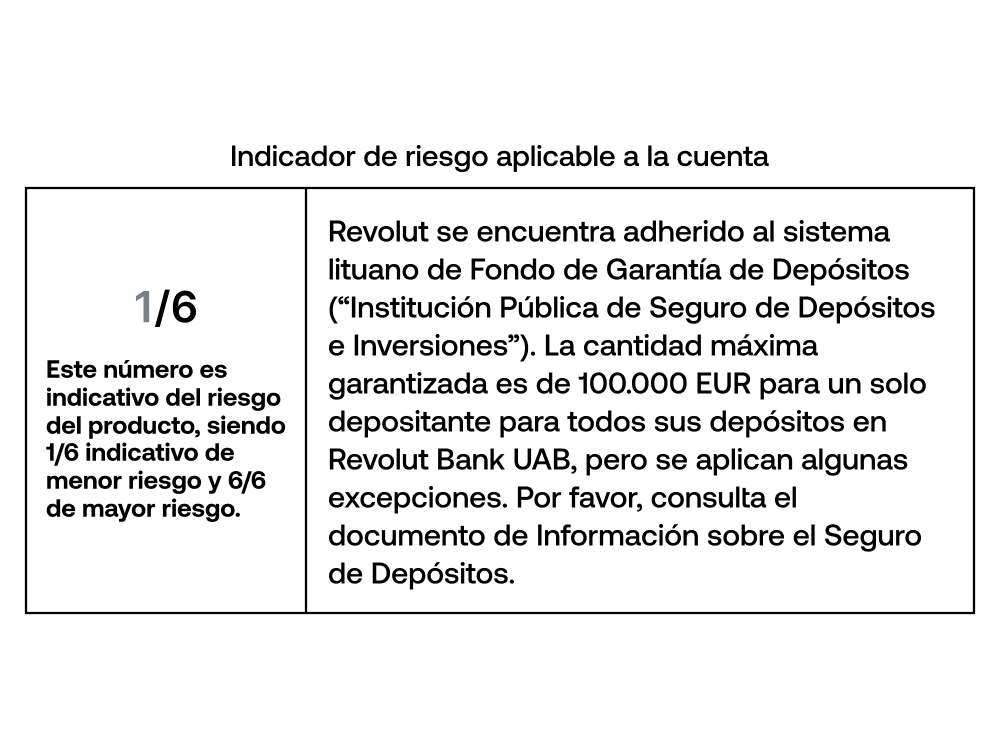
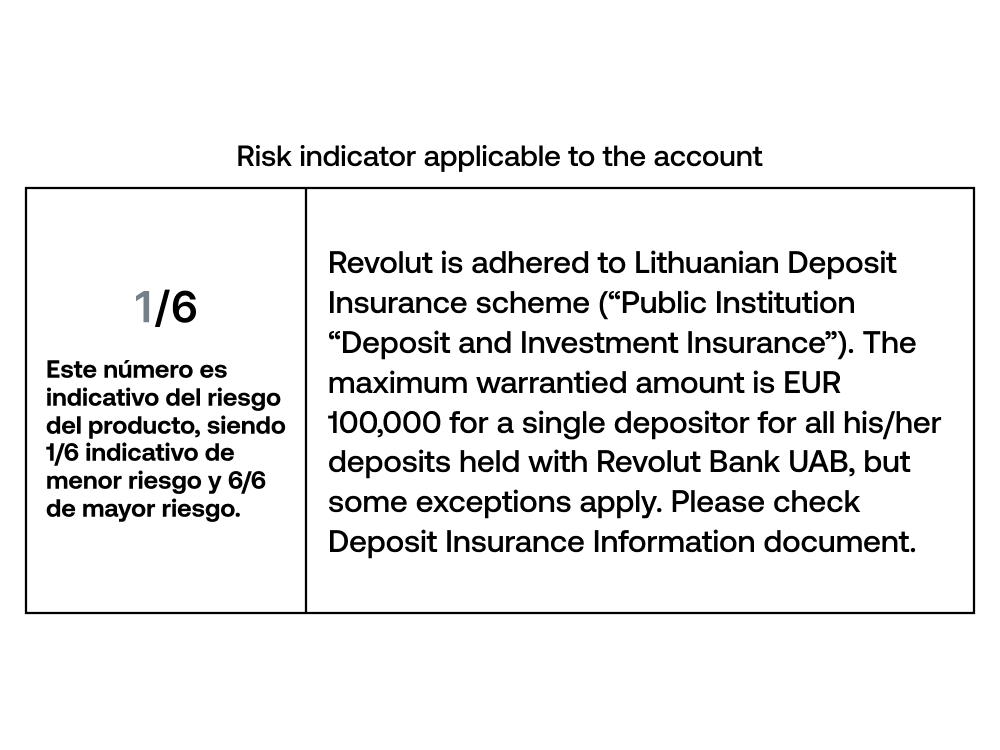
Banking services: Services provided by Revolut Bank UAB, Sucursal en España (Bank of Spain code: 1583). 18+. More information in https://ravolut.com/es-ES/