Revolut BillPay and Purchase Orders
Smarter spending. Total control.
Manage company spend effortlessly with fully integrated purchasing, billing, and approvals.
Sync your company spend
Bring purchasing and payments together, all in one place — from spend requests and purchase orders to receipts and reconciliation.
Get started


Pay suppliers in 150+ destinations with Revolut BillPay
Set your supplier payments to autopilot, while staying in complete control with built-in scheduling and approval rules.
Get startedAll your purchasing, fully integrated
Manage purchase orders, approvals, and vendor details without leaving your Business account. Purchase records stay organised and automatically sync to your billing workflow.
Get started

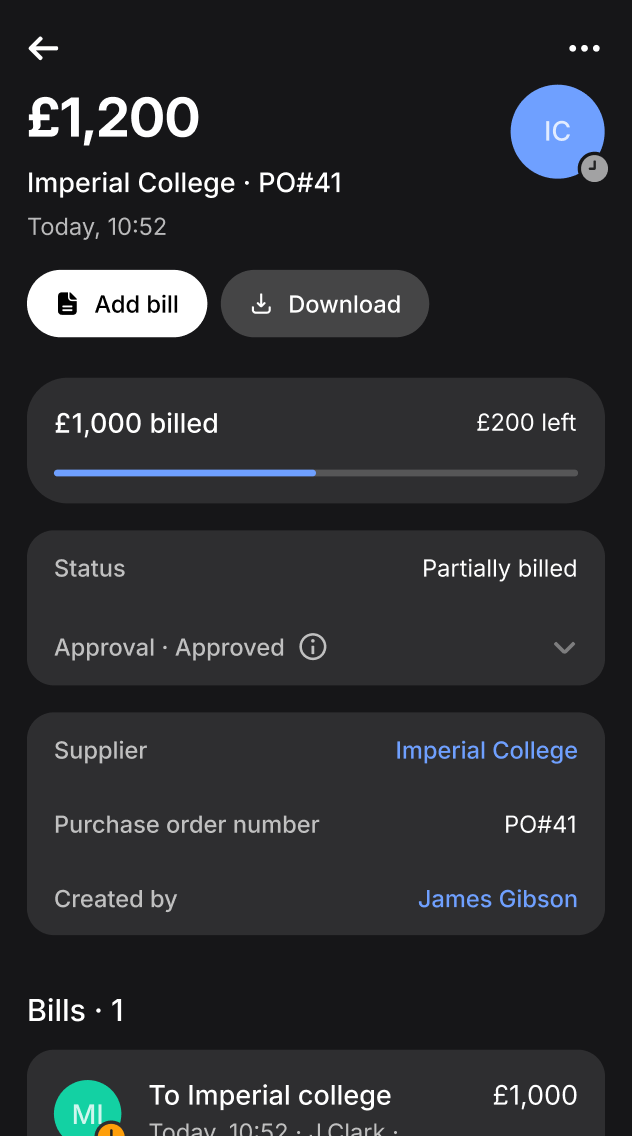
Keep team spend on your terms
Set limits, approvals, and permissions that ensure spend stays aligned with your policies. Out-of-policy purchases are blocked automatically, so you can stay on budget without micromanaging.
Get started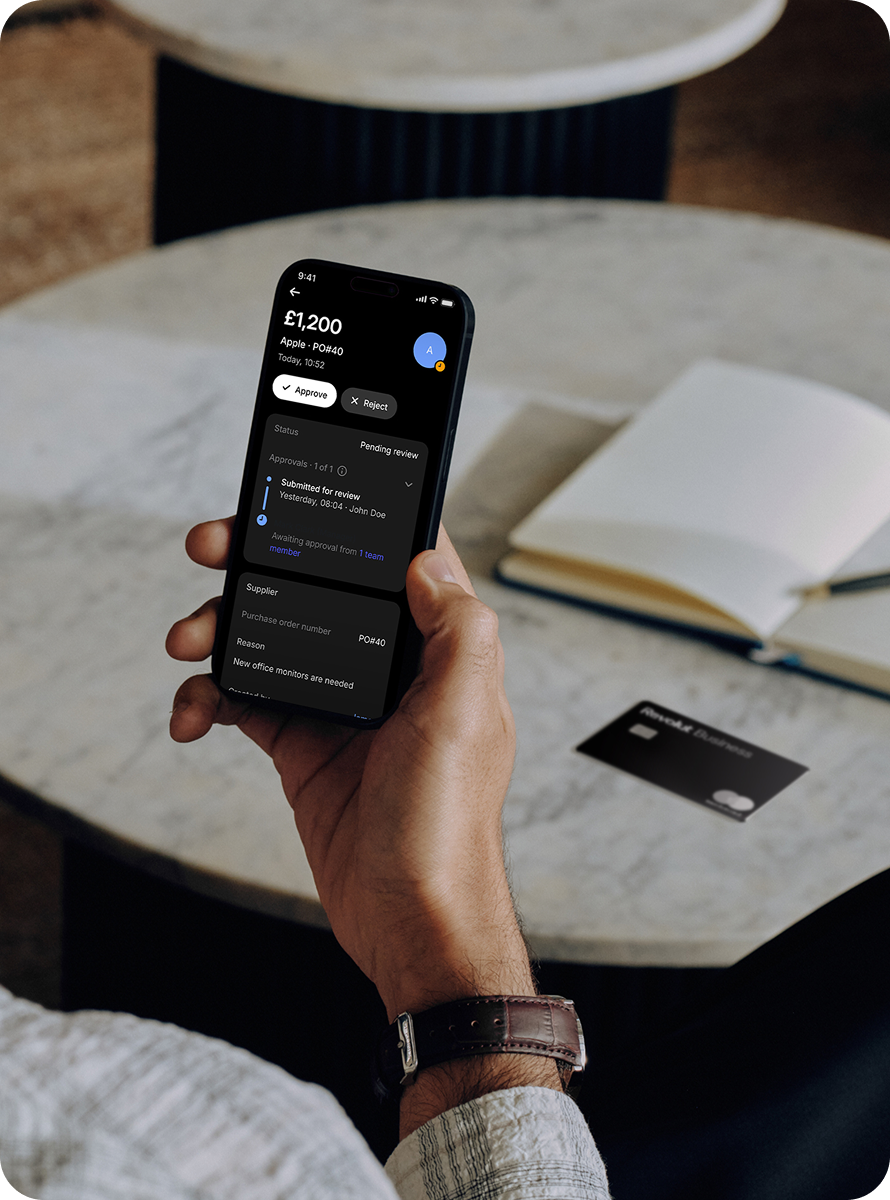
Need more help?
Revolut BillPay FAQs
Revolut BillPay is automated accounting software that syncs with your existing tools to let you process, pay, and manage all of your business bills with less manual effort.
It helps your team stay on top of the entire accounts payable process by automating admin-heavy tasks like extracting accounting and payment data, chasing approvals, and syncing financial records with your accounting software. Plus, you can do all this from one place, saving even more time and effort.
Revolut BillPay saves accountant and finance teams valuable time by reducing manual admin. The investment service Odin saved their team over 3 hours per week with this feature.
Revolut BillPay also helps you reduce errors on data extraction, and ensures approval workflows are fully automated. What’s more, all your financial records are synced to your accounting software automatically, so you don’t need to update them yourself.
A purchase order is an official document sent to a supplier that confirms what you’re buying, in what quantity, and at what price. Purchase orders help businesses control spend, streamline approvals, and create a clear audit trail. By defining details upfront, they reduce errors or disputes — leading to smoother operations and stronger supplier relationships.
You can create, approve, and manage purchase orders in Revolut Business, giving you full control before any payment is made.
Revolut BillPay connects with Xero, FreeAgent, Netsuite, and QuickBooks Online, and we’re always adding more integrations.
When you connect, we sync your accounting info, chart of accounts, tax rates, and supplier details. We’ll also transfer bills awaiting payment, and any bill details you added via your Business account. Once the bill payments are made, those transactions sync automatically to your accounting software too.
Currently, purchase orders aren’t integrated with external platforms. However, you can download them and send them to your suppliers directly.
We use Optical Character Recognition (OCR) to extract supplier information, payment details, and accounting info from your bill — including important details like due dates and line items.
Your Business account will also record the tax rates for each supplier, so you don’t need to check your records every time you upload a bill. Plus, our system can suggest categories based on your previous bills, allowing you to track which expenses are linked to different projects.
Revolut BillPay integrations and approval routes available to customers on Grow, Scale, and Enterprise plans. Advertising message for promotional purposes. For economic and contractual conditions please refer to the Information Sheets available at https://ravolut.com/it-IT/business/.