Cards
Find your ideal Visa prepaid card with Revolut
The option to choose a virtual card brand may not always be available, and isn't possible for single-use cards. Physical card brands are assigned automatically based on availability regardless of the plan.
Choose the card that suits your needs
With three types of prepaid cards, you can spend on your terms.
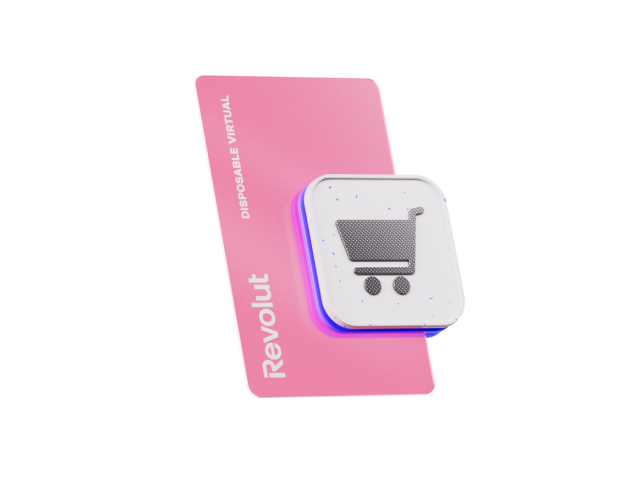
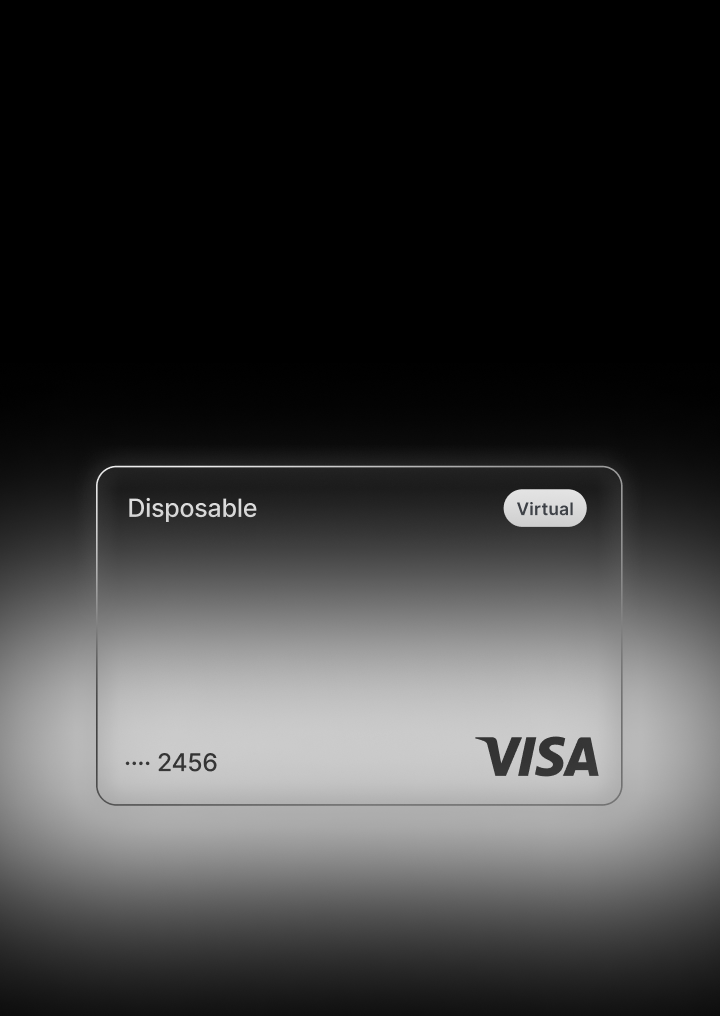
Single-use virtual card
Your card details refresh every time you pay to keep you protected. Consider this your go-to for online purchases.

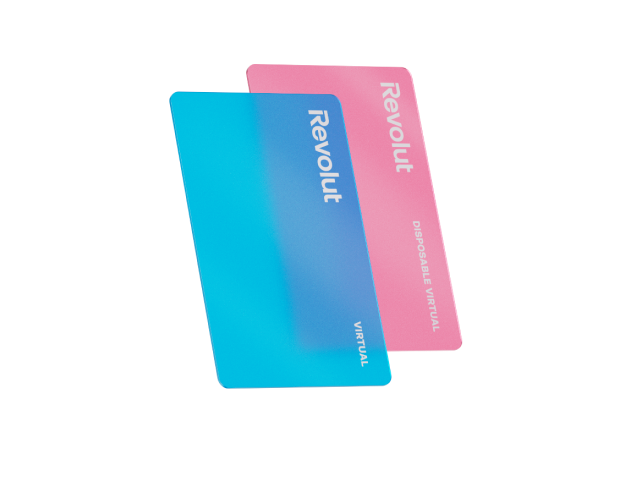
Multiuse virtual card
Your card details remain the same, for seamless recurring and contactless payments.

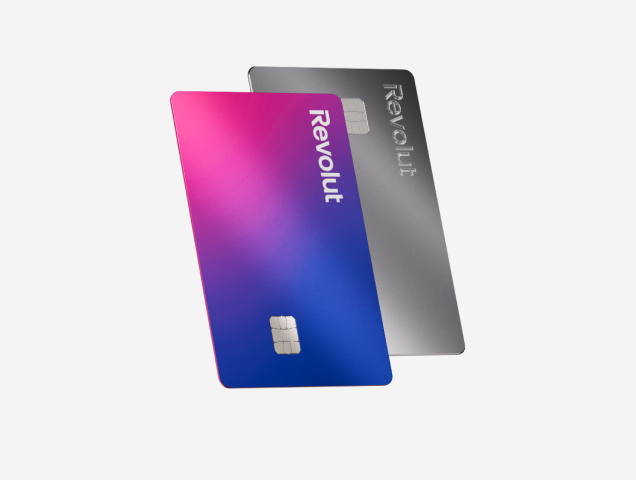
Physical card
The tangible version of your Revolut account. Use it for payments or ATM withdrawals anywhere — it's everyday convenience in your pocket.
Plan limits apply. Card delivery fees may apply.

18+, T&Cs apply.

Get your virtual Visa card
Your international card for everyday payments. Choose your virtual Visa card and start spending right away.
The option to choose a virtual card brand may not always be available, and isn't possible for single-use cards. Physical card brands are assigned automatically based on availability regardless of the plan.
What is a Visa prepaid card?
Your Revolut Visa prepaid card is a way to pay for products and services with money from your Revolut account balance. Giving you better control over your spending and money management.
It's a convenient and secure alternative to carrying cash, as money is taken directly from your linked account, so you can stay within your budget.
Get your card
How to use your Visa prepaid card
So many ways to pay, right at your fingertips. How you use your Visa prepaid card is entirely up to you.

Online payments
Go to the Cards section of your Revolut app to find your card’s number, CVV, and expiration date. Then enter those details to complete your payment.
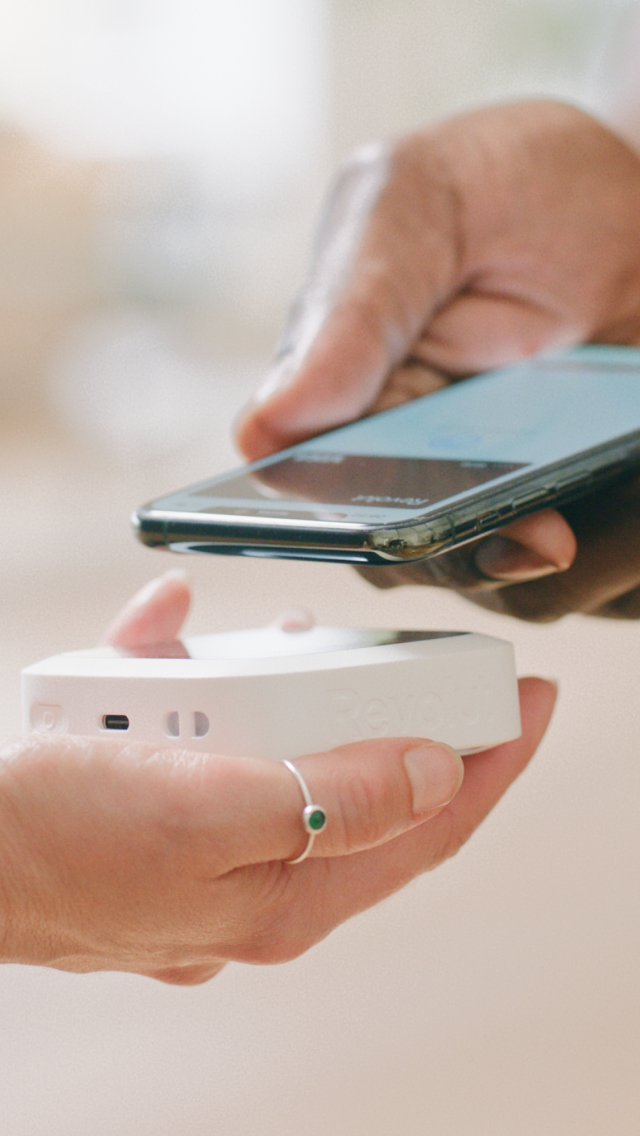
Contactless payments
Use Apple Pay or Google Pay to keep your cards on your phone and race through checkout.
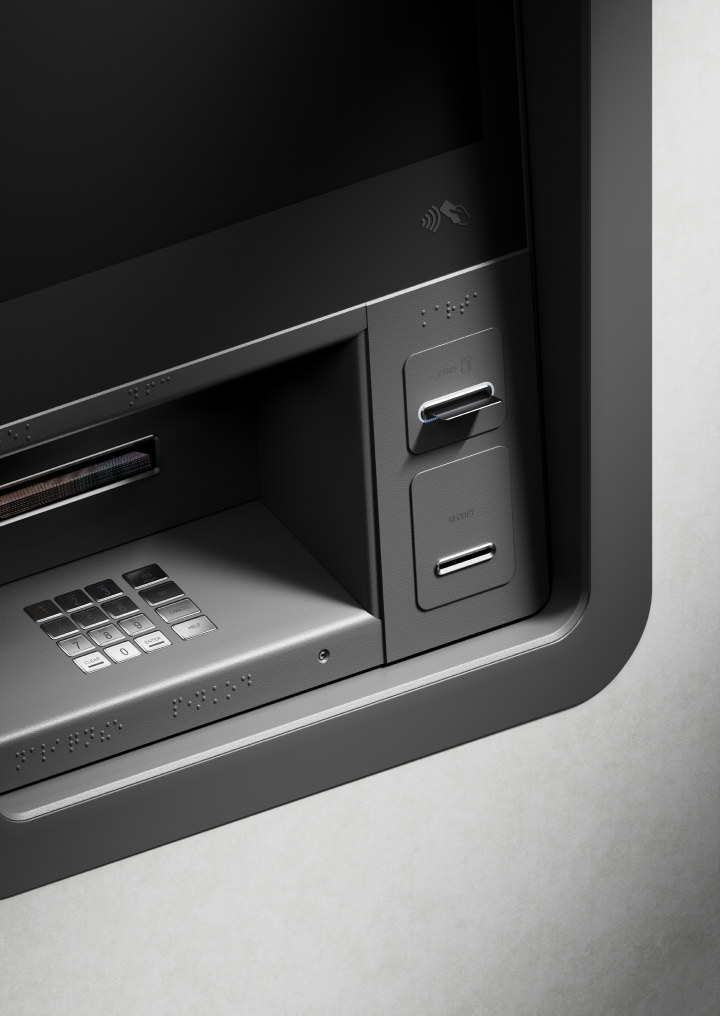
Withdraw cash
No-fee ATM withdrawals up to per rolling month, depending on your plan type.¹


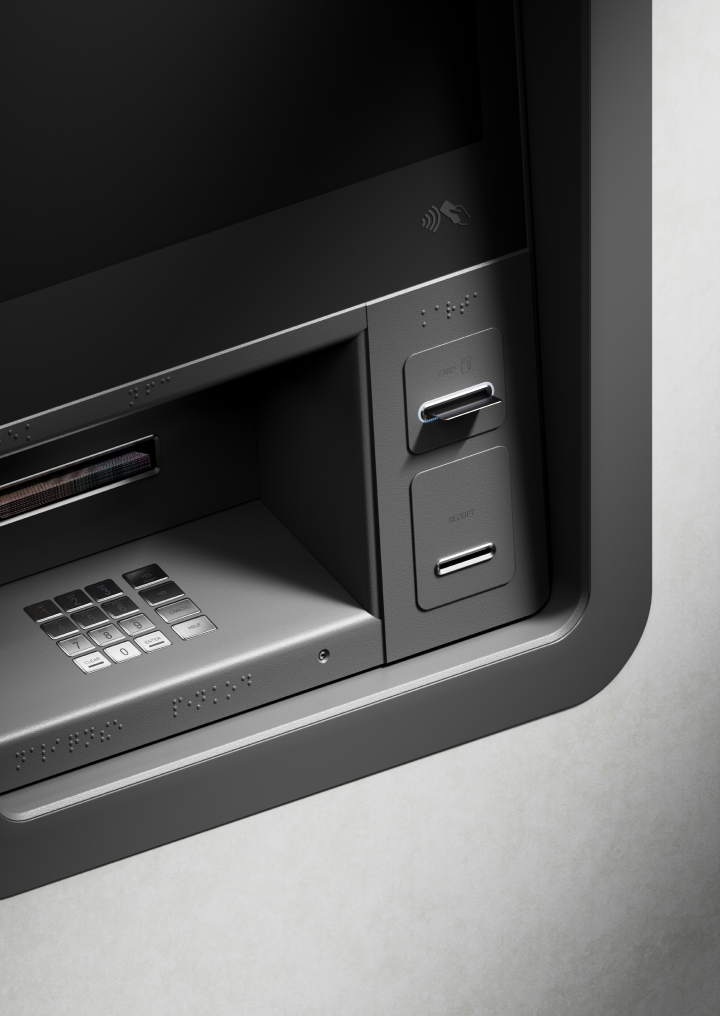
¹No ATM withdrawal fees within plan limits on a rolling monthly basis. Third-party providers may charge a withdrawal fee. Currency and ATM fair-usage fees apply. Currency exchange fees may apply. Weekend markups on currency exchange will apply. Plan fees and T&Cs apply.
How to get a Visa prepaid card
Join Revolut- 1
Join Revolut
Download our app for iOS or Android, sign up, and top up your account.
- 2
Choose your card type
Tap the type of card you want in the Cards section.
- 3
Select your card
Select your Visa card if it is available.
When you order a new card in the Revolut app, you'll be shown the applicable card brand. The option to choose your card brand may not always be available for virtual and physical cards.
Pay abroad with low exchange rates
Pack light and pay like a local. Unlock competitive conversion rates on 25+ currencies in-app and make payments overseas using your prepaid card.
Exchange fees, weekend fees, fair usage limits, and T&Cs apply, depending on your plan.
Get your card
Your Visa card, protected
Every account has 24/7 protection through proactive, purpose-built defenses and a team of specialists. We’ve helped prevent more than $800+ million worth of fraud in the past calendar year alone.
Get your card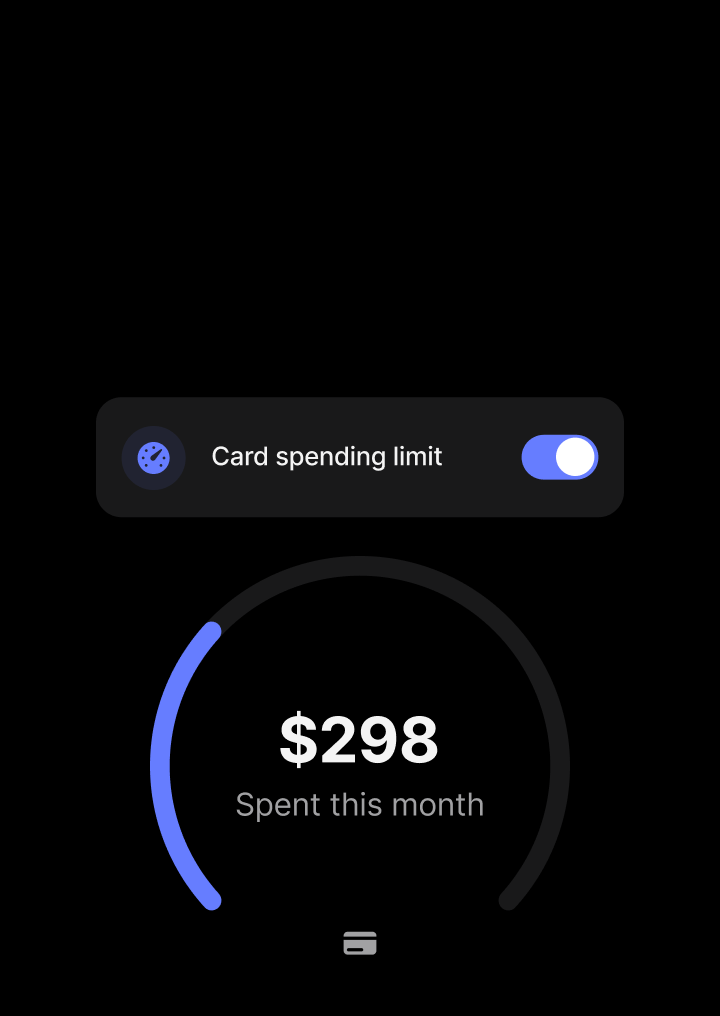
Compare our cards
Pick the best Revolut Visa prepaid card
Find your perfect fit. Quickly compare our different plans and features to choose the Revolut prepaid card that best suits your financial needs.
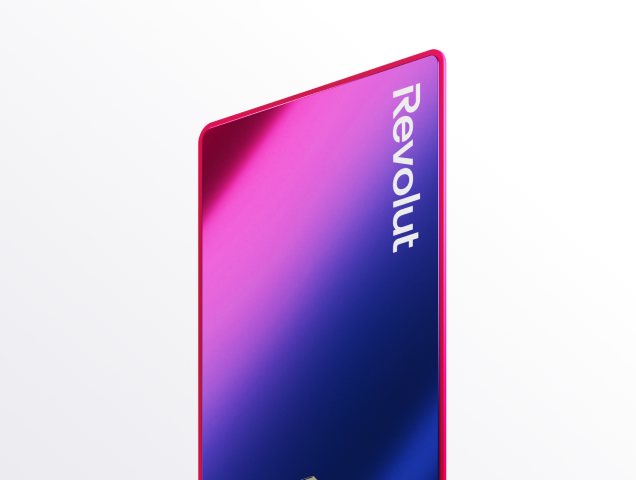
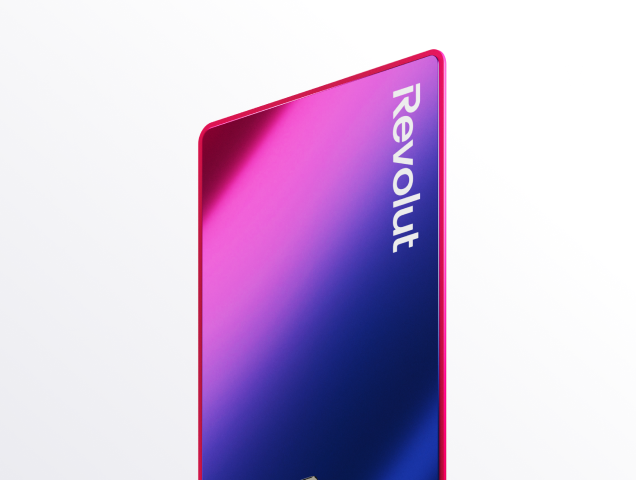
Standard
Customize your card for $3.99.
Delivery fees may apply.
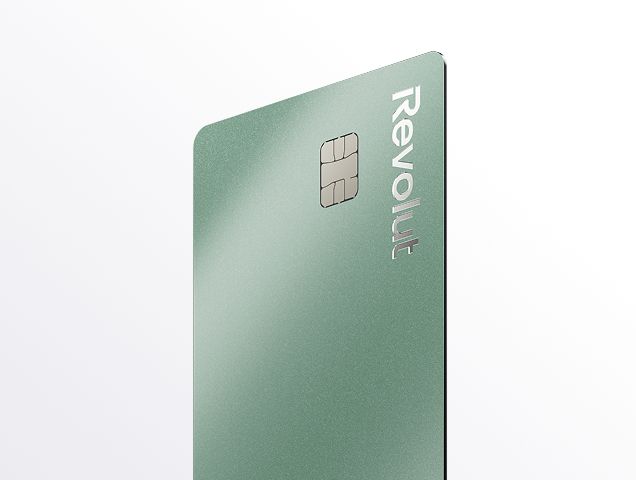
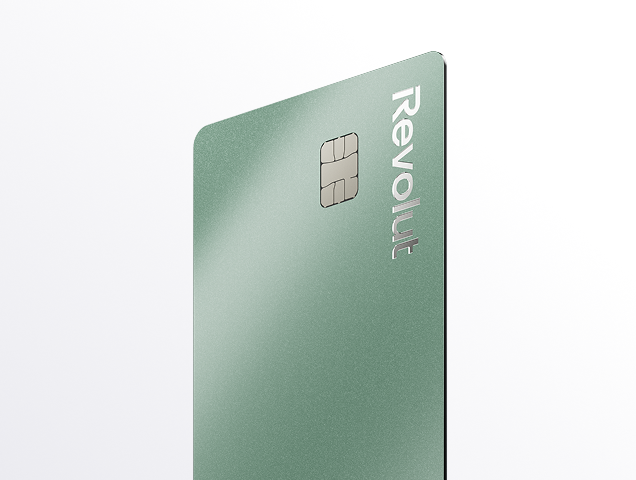
Premium
Choose from 3 Premium card colors, and customize your card at no extra charge.
Delivery fees may apply.
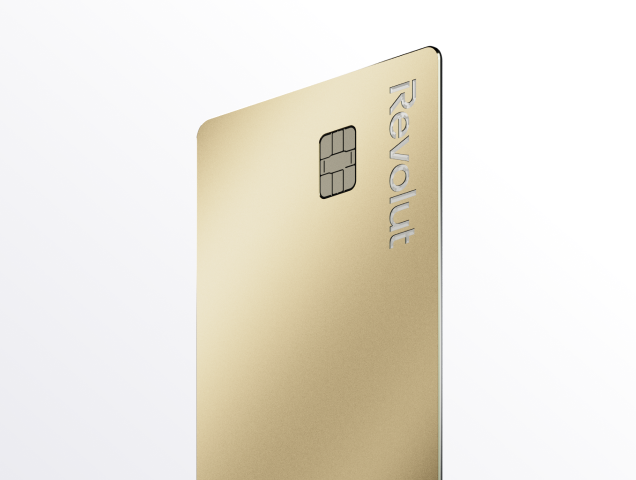
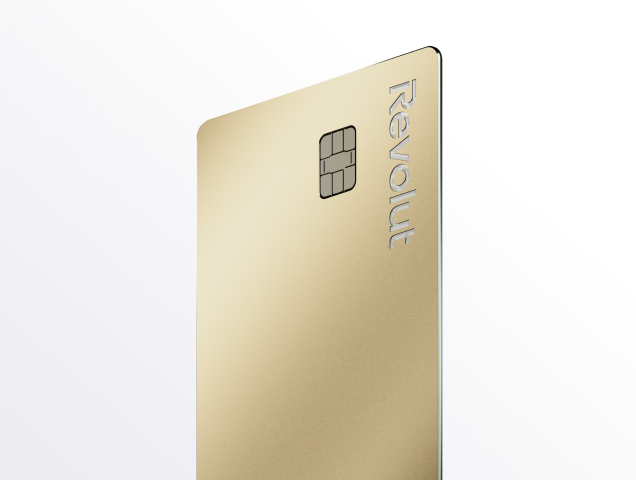
Metal
Select from 4 shades of steel for your Metal card, and customize your card, on us.
Delivery fees may apply.
Join 70+ million customers worldwide
Manage your cards from our top-rated app
Get a new prepaid card and manage it with confidence. Our highly-rated app lets you make seamless payments and track spending. You'll also have peace of mind with robust security, including the ability to freeze and unfreeze your card in just a few taps.
Want to know more?
Prepaid card FAQs
A prepaid card is a type of card that allows you to pay for goods and services using funds directly from your linked account. Unlike a credit card, a prepaid card uses your own money, which is deducted from your balance right away.
Prepaid cards are a convenient and secure alternative to cash. They can be used for online purchases, in-store payments, and cash withdrawals from ATMs. Our prepaid cards also come with security features like the ability to freeze your card from your mobile app if it's lost or stolen.
The best prepaid card for you depends on how you plan to use it. Revolut offers a range of prepaid cards to suit different needs:
- Multiuse virtual cards are a great option for daily spending. With permanent details, you can use them for subscriptions, recurring payments, and link them to Apple or Google Pay for seamless contactless payments.
- Disposable virtual cards (also known as single-use cards) are designed for enhanced security. They generate new details for every online purchase, which prevents vendors from tracing them back to your account or making unapproved charges.
- Physical cards are essential for when you need to make cash withdrawals from ATMs or pay at locations that only accept physical cards. You can get a physical card in addition to your virtual cards to be prepared for any situation.
The good news is that you don't have to choose between virtual and physical versions. You can hold both at the same time. Fees may apply, so check your plan for more details.
- Virtual cards are stored safely in your app, which is protected by two-factor authentication. This security measure ensures that only you can log in to your account, view your card details, and complete payments.
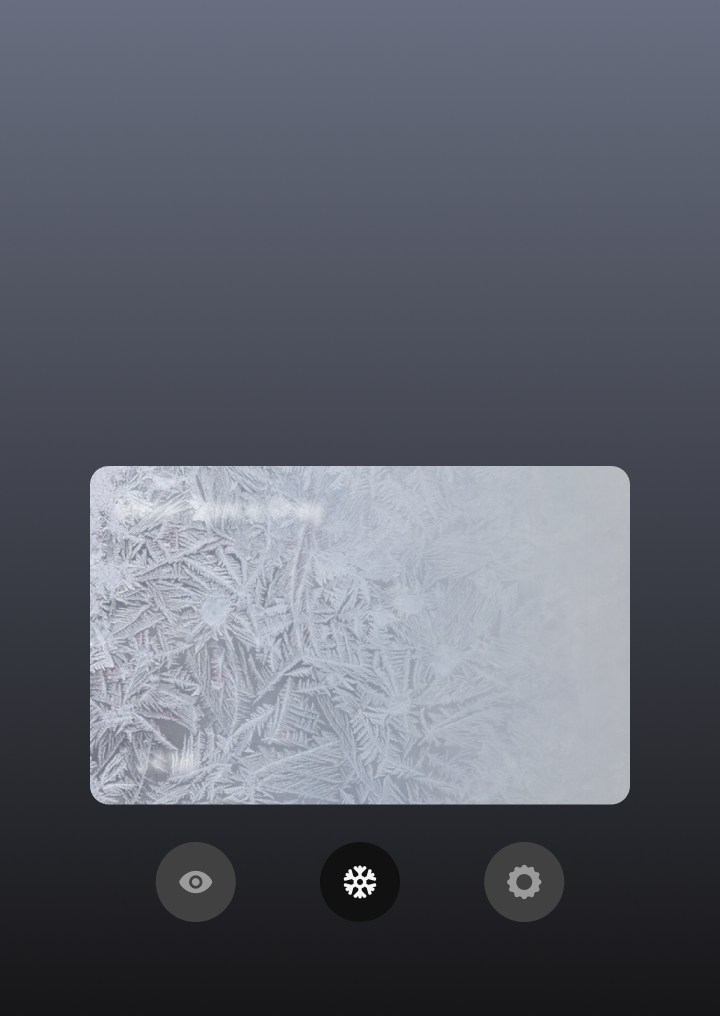
- If you suspect any fraud, you can freeze your card right in-app to block payments. Then unfreeze it just as easily when you’re ready to use it again. All it takes is a couple of taps.
- When you use Apple Pay or Google Pay to make a purchase with your cards, your real card number is kept secret. A unique encrypted code known as a token is used to complete your payment. This ensures that your details are safe.
The virtual prepaid card provider available to you depends on several factors, including your location. You can see whether your card will be Visa or Mastercard right in-app before you create it. Both are widely accepted in many locations around the world.
Getting a prepaid card with Revolut is a simple and fast process, done directly through our app. To apply for a prepaid card online, all you have to do is:
- Download the Revolut app and sign up for an account in minutes
- Verify your identity by providing a valid ID and a quick selfie
- Choose your card type, whether it's a multiuse virtual card or a physical card for in-store payments and ATM withdrawals
- Once your account is set up, you'll get a virtual card and can start spending right away, while your physical card will be delivered to your address
You don’t have to pay any additional fees to create your virtual cards. Check your plan for more details.
The main difference between a prepaid card and a credit card is where the money comes from.
A prepaid card is linked directly to your account. When you make a purchase, the funds are deducted right away from your available balance. You can only spend the money you have, which makes it an effective tool for budgeting and avoiding debt.
A credit card allows you to borrow funds up to a pre-approved credit limit. When you make a purchase, you're using borrowed money from the card issuer. You then have a grace period to pay back the balance, or you can choose to make a minimum payment and carry a balance, which will incur interest.
Both cards can be used for online and in-store payments, but credit cards may offer additional benefits like purchase protection or rewards.
You can use your virtual prepaid card in most places around the world that accept online or contactless payments with Visa and Mastercard. Exchange and hold 25+ currencies in-app, and pay in the local currency using your card.
If the currency you want to exchange to isn’t listed in-app, don’t worry — this simply means you can’t keep it in your account yet. You can still pay with your card abroad in 140+ currencies. We’ll automatically exchange your holding currency to the local currency at the available rate when you make a purchase.
Currency exchange fees may apply. Check your plan for more details.
A prepaid card works as a direct link to your account, making it a simple and secure way to pay. When you use your prepaid card to make a purchase, the process is fast and happens in a few key steps:
- Authorization: when you swipe, tap, or insert your card, the payment terminal sends a request to authorize the transaction.
- Deduction of funds: we check to see if you have enough money in your account to cover the purchase. If you do, the amount is deducted from your available balance.
- Completion: the payment is approved, and the transaction is complete. You receive a notification in-app, and the merchant receives their payment.
Because the funds are withdrawn right away, a prepaid card helps you stay on budget and avoid spending more than you have.
Activating your new Revolut physical prepaid card is a quick and simple process that you can do in-app. For added security, you must first activate your physical card before you can use features like contactless payments.
To activate your card, follow these simple steps:
- Open the Revolut app and go to Cards
- Select the card you wish to activate
- Enter the card's details when prompted
- Once activated in the app, you must make a single chip and PIN payment at a physical terminal (e.g. in a shop or at an ATM) to fully activate the card for all types of payments
With Revolut, the maximum amount you can pay with your prepaid card is generally limited only by the amount of money in your account. However, for security purposes and based on your plan, there may be certain daily, weekly, or monthly spending limits in place.
- Your spending limits: you can always check and manage your personal spending limits in-app by going to the Cards section and selecting the specific card you'd like to view. You can even set your own custom limits for extra control.
- Contactless payments: for contactless payments, a single transaction limit applies, but this can often be reset by making a Chip and PIN payment. This limit does not apply when using Apple or Google Pay.
- ATM withdrawals: please note that there are separate limits for cash withdrawals at ATMs, which also depend on your plan.
For the most accurate and up-to-date information on your specific spending limits, always check the Cards section in-app.
Revolut is not a bank, banking services are provided by Lead Bank, Member FDIC. Fees may apply. The Revolut USA Prepaid Visa is issued by Lead Bank pursuant to licensing by Visa® U.S.A. Inc. Your funds are FDIC insured up to $250,000 through Lead Bank, Member FDIC. See ravolut.com/en-us/ for more details.