Exchange rates at your fingertips
Want to convert 1,000 Saudi Arabian Riyals to Chinese Yuan Renminbi?
Although we don't support exchanges from Saudi Arabian Riyals to Chinese Yuan Renminbi just yet, check out our currency converter to stay on top of SAR to CNY exchange rates. With 25+ supported currencies and counting, there's more on the way.
- 140+ countries and regions supported
- 70+ million global customers and counting
- Trusted with $38 billion in deposits globally
How much is 1,000 SAR worth in CNY?
1,000 SAR to CNY live exchange rates
1 SAR = 1.84060 CNY
-¥0.095904.95 %Saudi Arabian Riyals to Chinese Yuan Renminbi: exchange rates today
 SAR SAR |  CNY CNY |
|---|---|
| 1 SAR | 1.81 CNY |
| 10 SAR | 18.19 CNY |
| 20 SAR | 36.38 CNY |
| 50 SAR | 90.96 CNY |
| 100 SAR | 181.93 CNY |
| 250 SAR | 454.82 CNY |
| 300 SAR | 545.79 CNY |
| 500 SAR | 909.65 CNY |
| 1,000 SAR | 1,819.31 CNY |
| 2,000 SAR | 3,638.63 CNY |
| 5,000 SAR | 9,112.81 CNY |
| 10,000 SAR | 18,225.62 CNY |
| CNY | SAR |
|---|---|
| 1 CNY | 0.53 SAR |
| 10 CNY | 5.37 SAR |
| 20 CNY | 10.74 SAR |
| 50 CNY | 26.86 SAR |
| 100 CNY | 53.72 SAR |
| 250 CNY | 134.31 SAR |
| 300 CNY | 161.17 SAR |
| 500 CNY | 268.62 SAR |
| 1,000 CNY | 537.25 SAR |
| 2,000 CNY | 1,074.51 SAR |
| 5,000 CNY | 2,686.28 SAR |
| 10,000 CNY | 5,382.16 SAR |
Although we update our data continuously, exchange rates are always changing due to market fluctuations. Consider the rates above as estimates.
See why so many customers are raving about Revolut
With our multi-currency accounts, you can exchange 25+ currencies, send money transfers in 25+, and spend in 150+ worldwide. But that's just the beginning. Check out our app ratings and see what the buzz is about.


Check live exchange rates and convert 25+ currencies in-app
We may not support exchanges from Saudi Arabian Riyals to Chinese Yuan Renminbi just yet, but why not explore everything you can do with 25+ supported currencies? Stay in the loop with live conversion rates and exchange on the spot, right in-app.Exchange in-appHow to exchange currencies with Revolut
- 1
Start your exchange
Go to Exchange in-app and tap the exchange calculator widget to select the currency you want to convert and the one you want to receive.
- 2
Check out our rates
Our currency converter will show you our current exchange rate and any fees that may apply.
- 3
Exchange your money
Confirm your order, then save, send, or spend in your new currency however you like.


Send money abroad in 25+ currencies
Keep currencies in separate accounts, exchange at great rates with low fees, and send money in one app.
Explore money transfersPay in 150+ currencies with your Revolut card
Spending abroad with your Revolut card is so easy, you'll think you're back home. Shop wherever Visa and Mastercard are accepted, and make ATM withdrawals in the local currency while you travel the world. Exchange fees and limits apply.
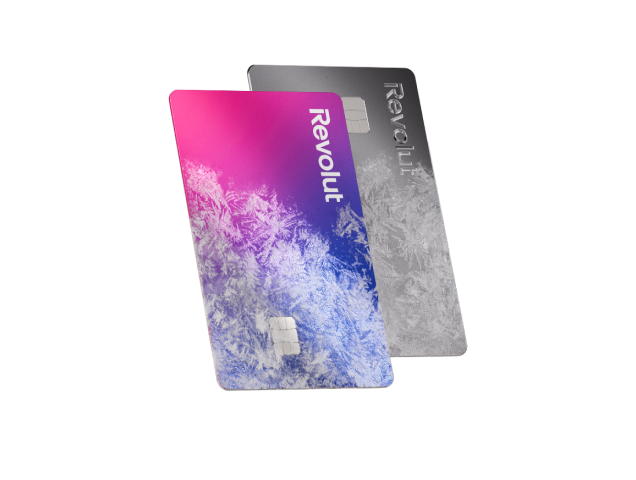
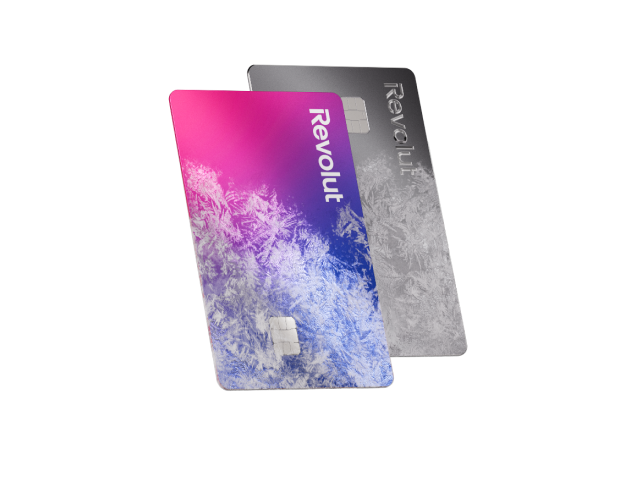
Multi-currency card
Use your Revolut card for ATM withdrawals and payments abroad. Add money to your account in one of 25+ currencies and we'll convert your money for you.¹

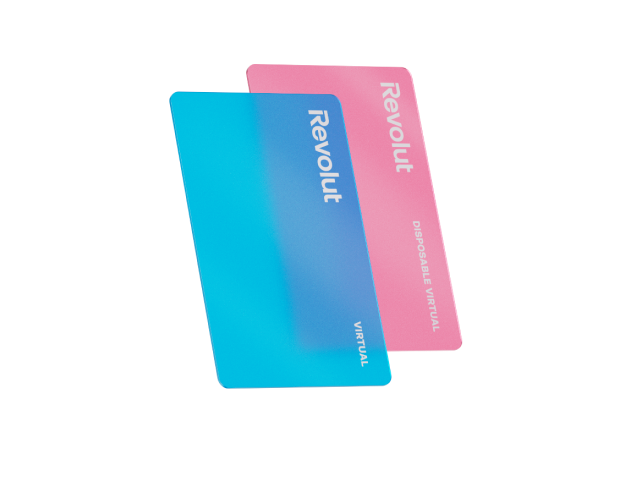
Virtual card
Pack light and pay like a local. All you need is your phone. Create your virtual card in-app and make contactless payments in 140+ countries all over the world.
¹Fees and limits apply.


How we keep your money safe
Trusted by 70+ million global customers for all things money, we offer a wide range of security features to help protect your money 24/7.
Fraud prevention team
Powered by a dedicated, 24/7 financial crime team, we estimate that Revolut customers have been protected from more than $800+ million globally in potentially fraudulent transactions.
24/7 support
Speak to our award-winning support team in 100+ languages via secure in-app chat. Even on a Sunday.
Personal data protection
We ensure your data is processed responsibly, adhering to all applicable US data protection laws and regulations, alongside global data protection standards.
Custom-built security systems
We keep your account safe with two-factor authentication and provide powerful in-app tools that give you full control over your money.
Other popular currency conversions in Saudi Arabia
Although we don't support exchanges from Saudi Arabian Riyals to Chinese Yuan Renminbi just yet, here are some other conversions you may like.
Convert Saudi Arabian Riyals


Exchange to Saudi Arabian Riyals


Other popular conversions


One app, all things money
Easy currency exchange and so much more
Whether you're sending money abroad or spending while you travel, we've got you covered. With 140+ supported countries and counting, it's only a matter of time before we reach every border. Join us and change the way you money.


4.7 / 5
Want more info?
1,000 SAR to CNY currency exchange FAQs
At the moment, we offer in-app exchanges between 25+ currencies. We're always aiming to add more, so keep checking back. You might be able to convert SAR to CNY sooner than you think.
In the meantime, check out the currencies we support and see how easy it is to exchange in-app.
You can also send money from your Revolut account in 25+ currencies supported for transfers, and pay with your Revolut card abroad in 150+ currencies supported for spending.
We may not support exchanges from Saudi Arabian Riyals to Chinese Yuan Renminbi just yet, but you can still use our currency converter to stay on top of the latest SAR to CNY exchange rates.
We keep our data up to date using various independent sources so that you always have the info you need. Go to our Help Center to learn more about how we calculate exchange rates.
Here's how you can check SAR to CNY conversion rates with our currency exchange calculator:
- Go to our currency converter at the top of the page
- Select SAR as your starting currency and CNY as the currency you want to convert to
- Enter your amount you'd like to convert in SAR or receive in CNY. We'll do the math for you
- Check the current exchange rate and see how much your Saudi Arabian Riyals are worth in Chinese Yuan. Repeat as much as you want with different amounts or currency pairs
Here's how you can exchange and hold balances in different currencies.
- Download our app for iOS or Android, then sign up
- Go to Exchange in-app
- Select your holding currency and the currency you want to convert to
- Enter the amount you want to exchange
- Check our exchange rate and any fees that may apply in-app
- Tap Confirm order and start spending in your new currency
We use two-factor authentication to make sure you're the only one who can log in to your account, and we'll send you anti-fraud warnings in-app if we suspect that a transfer may be a scam. We also protect your personal data with our full-stack security systems.
Additionally, we use other security methods that vary depending on the Revolut entity you're registered to. Here's how you can learn more:
- Open the Revolut app
- Click on your profile icon on the home screen
- Scroll to the bottom of the page and see which Revolut entity shows up
- Go to our Help Centre to read more on your Revolut entity and how we keep your money safe